Scan at the shelf
A product-specific QR label opens the right item for your business. An agreed low-stock trigger tells your team when to scan.
Scan the label beside your supplies. The right product opens on your phone, with your agreed pack size and price ready to check.
Try it yourself →No searching for product codes. No downloading an app. Just the right product, ready to request.
A product-specific QR label opens the right item for your business. An agreed low-stock trigger tells your team when to scan.
Choose the quantity, check the price and expected delivery date, then enter your team’s PIN.
Check open orders, follow delivery status and look back at completed deliveries in your customer workspace.
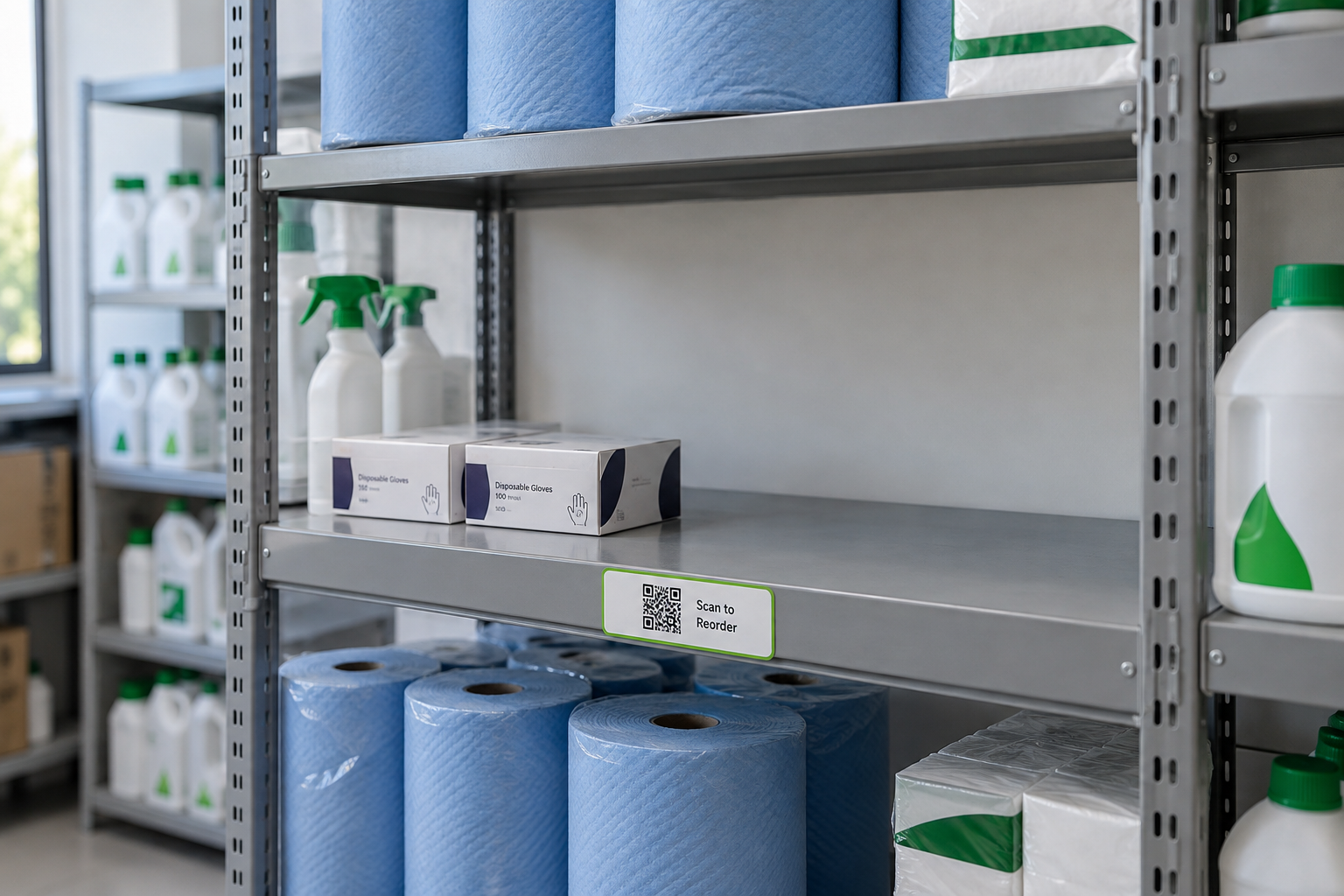
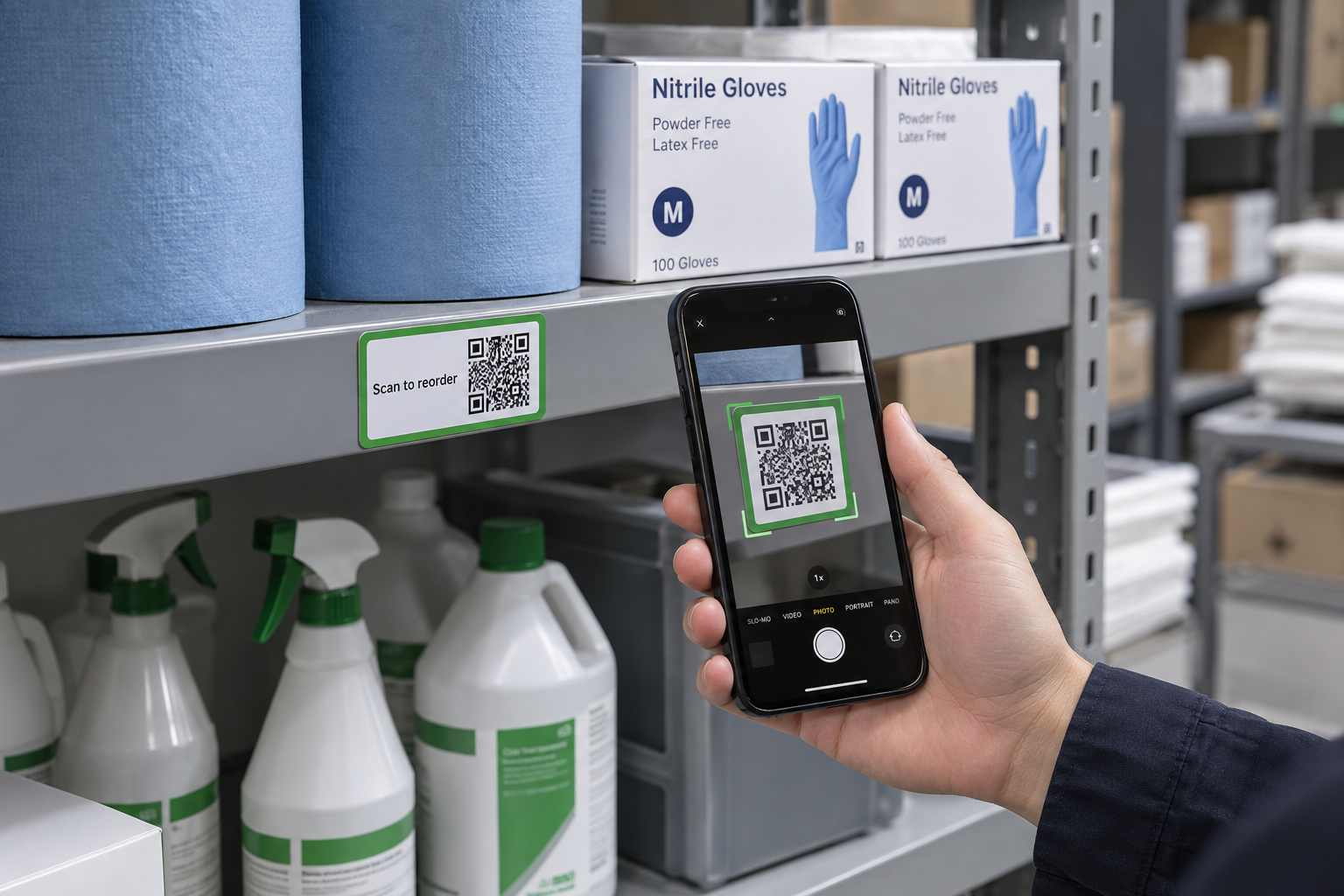
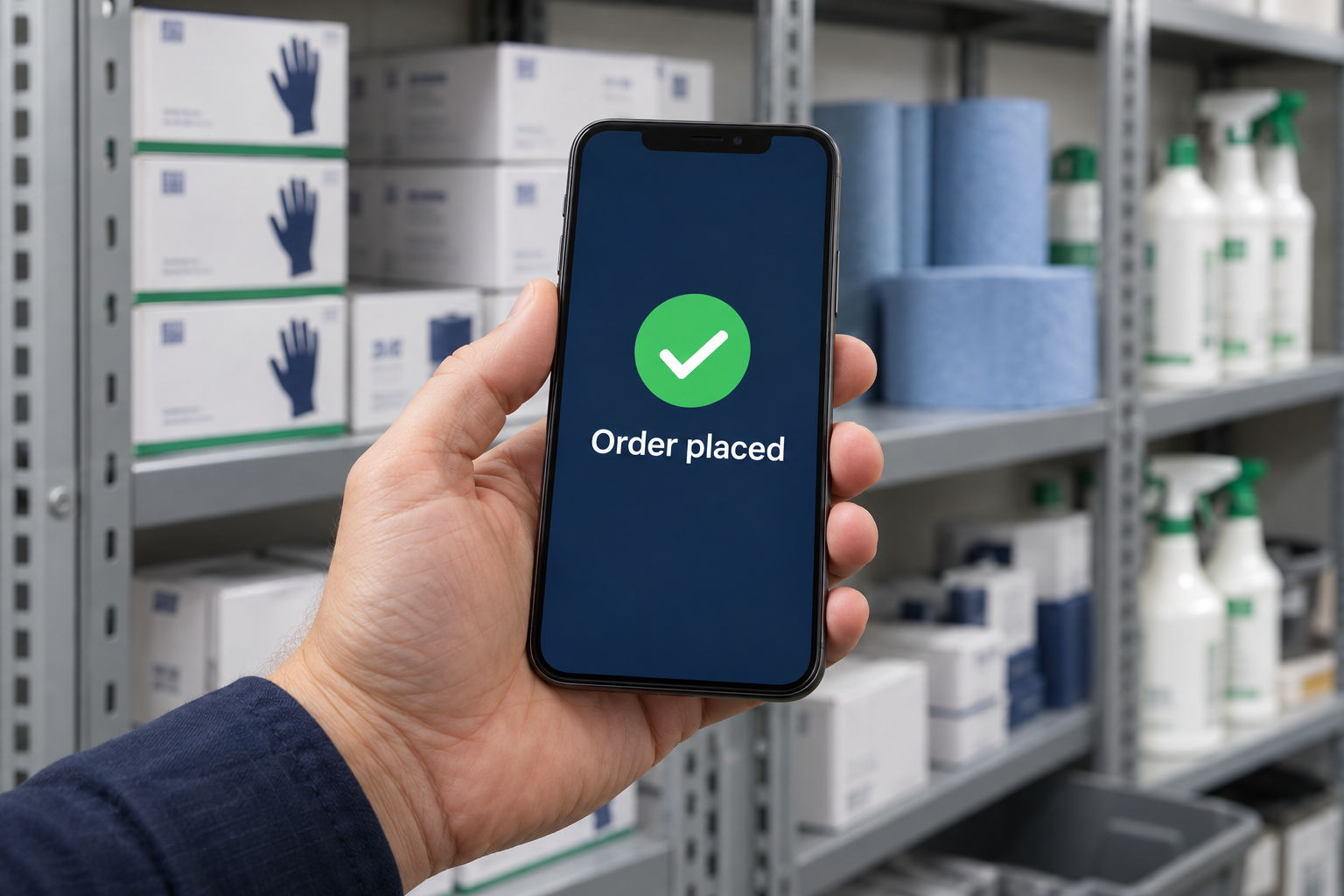

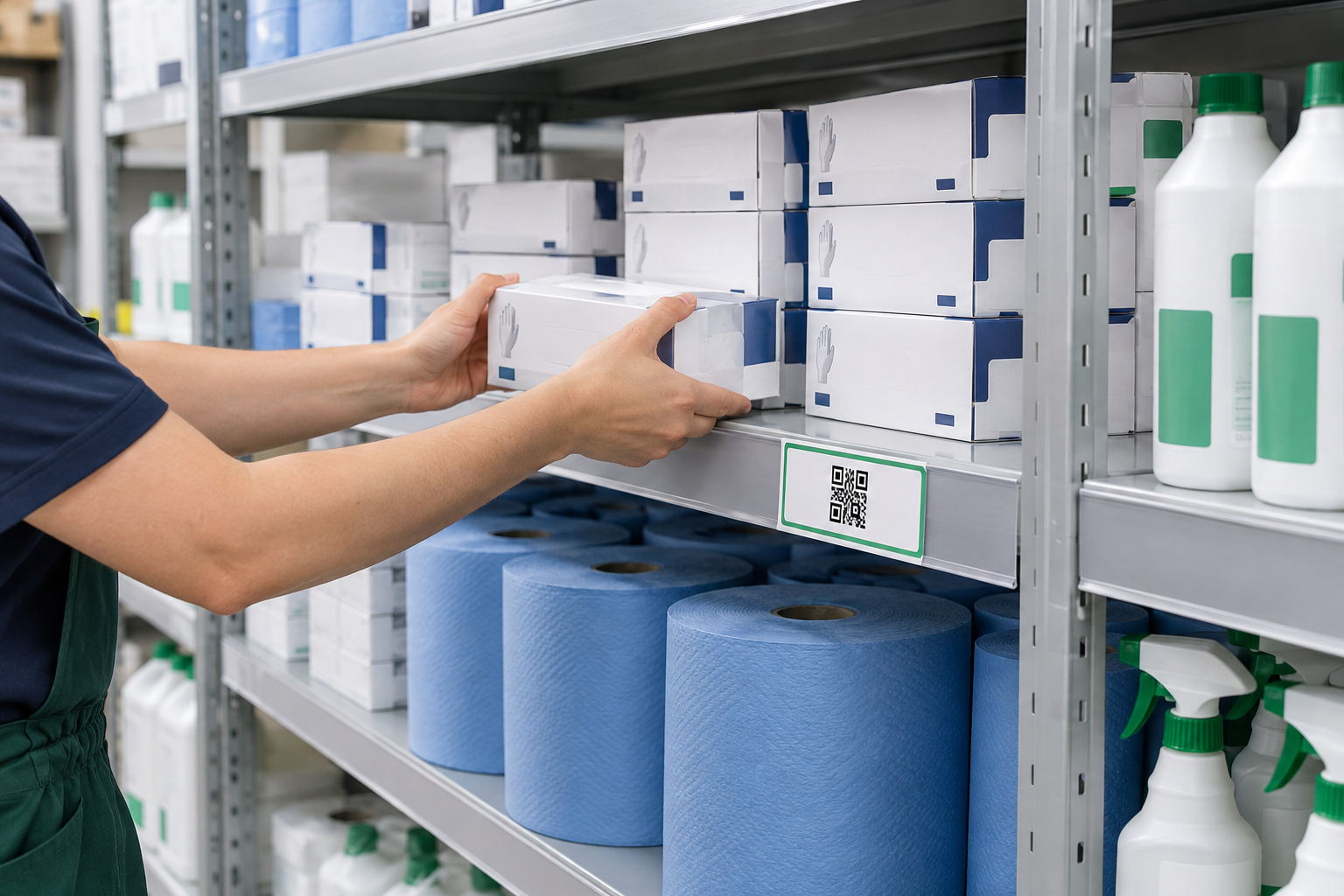
Keep a product QR label beside the stock. When supplies reach the agreed level, your team knows it is time to reorder.
Illustrative AI-generated scenes. Use the demo QR labels to try scanning. Playing does not place an order.
Your workspace keeps open orders, expected delivery dates and completed deliveries together. Check spending and reprint your product labels when you need them.
A duplicate warning helps your team spot an existing request, while still allowing an extra order when it is needed. The demo uses PIN 1234; live customer access is arranged with QRFill.
Your team checks the shelf and triggers the request. QRFill does not automatically measure stock levels.
Agree your stock levels →